Deadclock
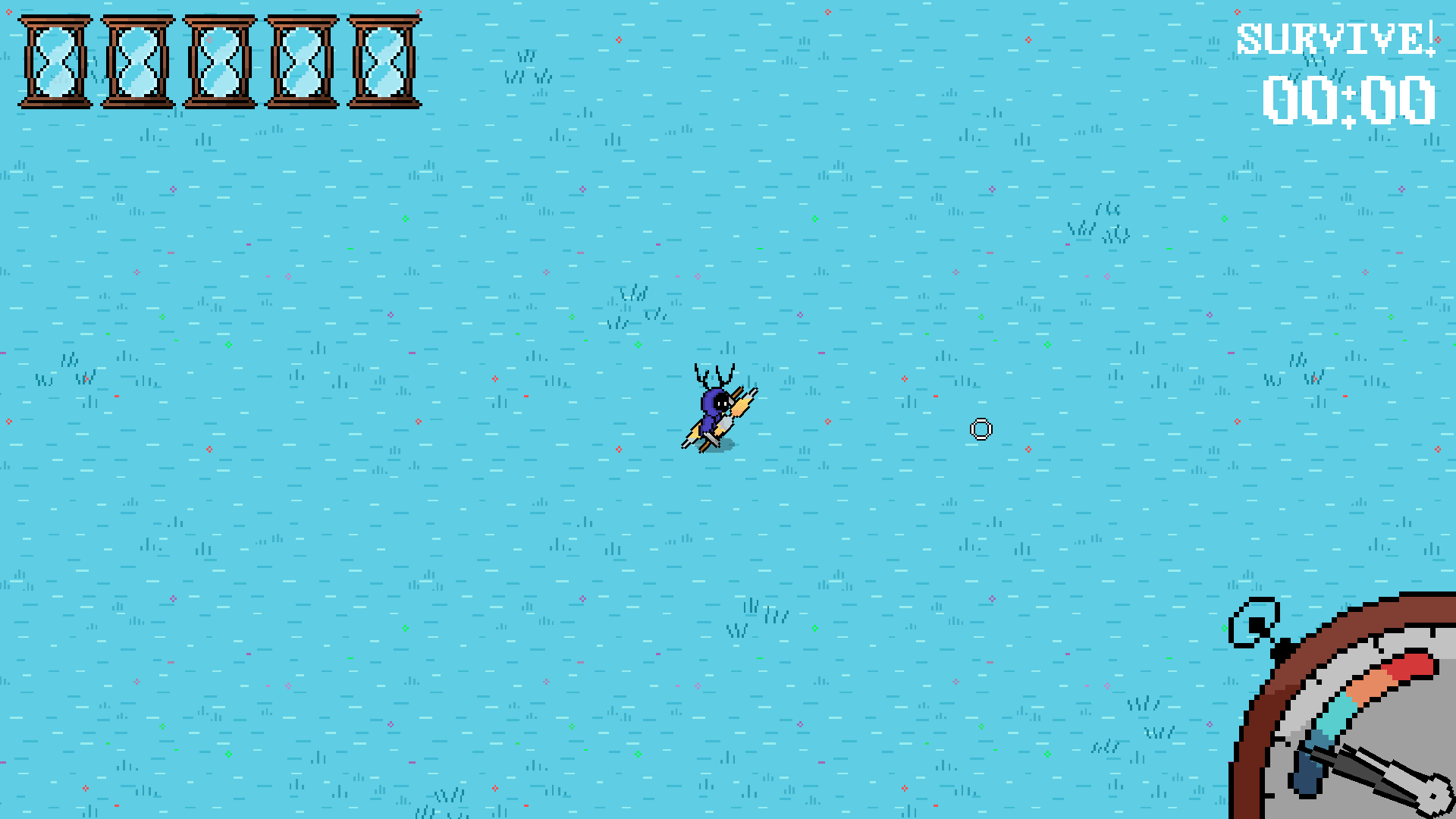
WASD To move, RIGHT CLICK and LEFT CLICK to hit with Main/Secondary weapons, F to switch between secondary weapon throw and secondary weapon melee, and SPACE for AutoAim
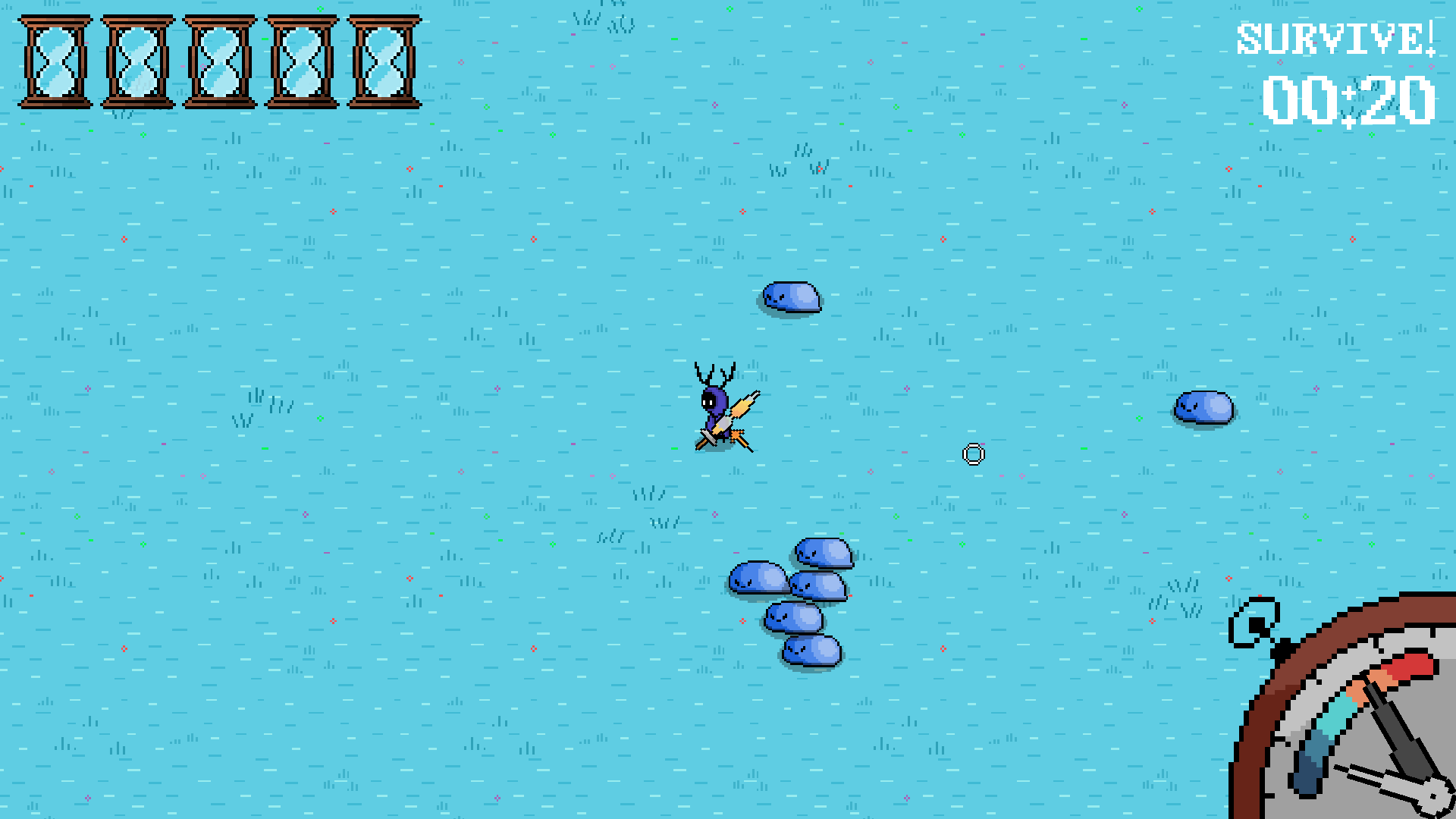
The clock on the bottom right displays the current speed of time, waves escalate dynamically when time passes, with newer enemies appearing after each couple of waves (Mushroom enemies spawn after 40 seconds don't miss them out!!), but currently there are only two types of enemies, enemies take a bit to reach the player in the beginning
This build lacks intended upcoming features that will balance the overall gameplay (Economy, Upgrades, etc)
Download